

Manually managing ecommerce orders across platforms
When orders arrive from multiple sales channels, marketplaces, and customer touchpoints, operational teams often rely on manual routines to keep fulfilment moving. This approach can work at low volume, but it becomes fragile as order count, product range, and service expectations increase.
By Darren ArdenerUpdated
Co-founder of Just Applications Ltd, the team behind Adlixor
The Challenge
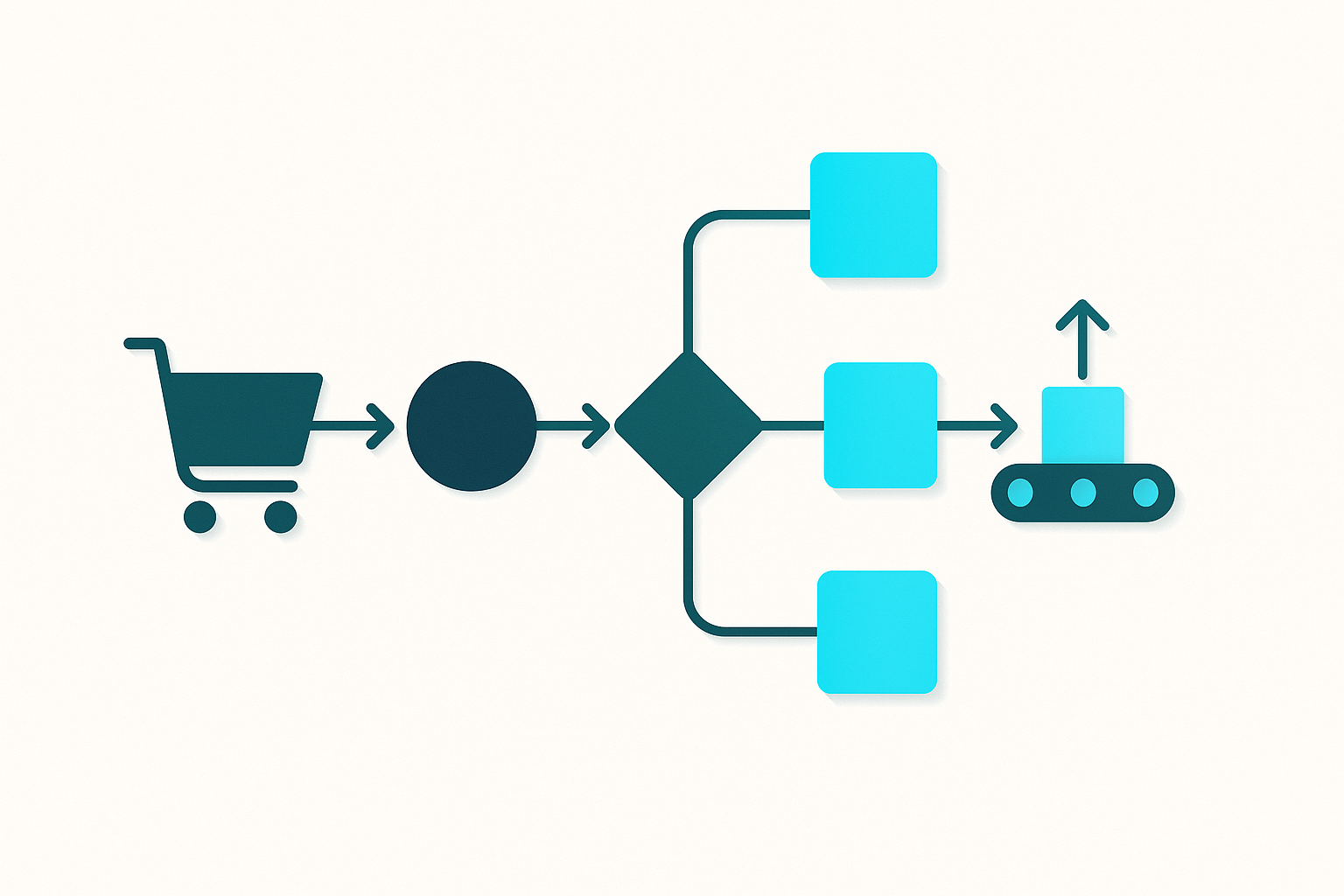
Manual order management across platforms usually depends on copying data between admin screens, spreadsheets, email threads, and carrier portals. This creates delays, inconsistent order status updates, and avoidable errors such as duplicate despatches, missed orders, and incorrect customer details. Reconciliation becomes time-consuming because there is no single source of truth for order state, payment status, and fulfilment progress.
The Solution
A systematic approach centralises order intake and standardises how orders are validated, routed, and released to fulfilment. Automated synchronisation of order status, stock allocation, and shipment tracking reduces repetitive work and shortens processing time. Exceptions are handled through defined rules and queues, allowing teams to focus on issues rather than rekeying data.
Step-by-Step Guide
- 1
Map every order source and document the current handoffs from order capture to despatch confirmation.
- 2
Define a single order ID strategy and decide how to link channel order numbers, payment references, and fulfilment references.
- 3
Standardise order statuses and transitions so each platform maps to a shared lifecycle from new order to delivered or returned.
- 4
Set validation rules for address format, fraud checks, payment capture status, and out-of-stock handling before an order is released.
- 5
Implement automated import and synchronisation for orders, cancellations, refunds, and customer messages using scheduled jobs or event-based updates.
- 6
Configure fulfilment routing rules based on warehouse, carrier service, cut-off times, product constraints, and delivery promises.
- 7
Automate label generation, picking documentation, and tracking upload, then synchronise shipment confirmations back to each channel.
- 8
Create an exception queue for holds, address issues, stock shortages, split shipments, and partial refunds with clear ownership and SLAs.
- 9
Monitor throughput and error rates weekly and adjust rules, mappings, and cut-off times to reduce exceptions.
Pro Tips
- ✓Treat the shared order lifecycle as a controlled vocabulary and avoid adding channel-specific statuses that do not map cleanly.
- ✓Allocate stock at the point you commit to fulfilment, not when you first see an order, to prevent over-promising during payment or fraud checks.
- ✓Use address validation and postcode formatting early to reduce carrier rejects and rework at label print time.
- ✓Keep an audit trail for edits to customer details, item substitutions, and shipment changes so support can answer disputes quickly.
- ✓Separate operational holds from customer-facing statuses so customers are not told an order has shipped when it is only packed.
- ✓Limit manual overrides by requiring a reason code, and review the top reason codes each month to remove root causes.
Frequently Asked Questions
- What usually goes wrong when orders are managed manually across platforms?
- The most common issues are missed or duplicated orders, inconsistent order statuses, and delays caused by rekeying data into multiple systems. Errors often appear later as customer complaints, chargebacks, or carrier surcharges.
- How do you create a single source of truth for orders?
- Start by defining a master record that stores the order header, line items, payments, fulfilment events, and customer communications. Then map each platform’s fields and statuses into that record and synchronise changes in both directions where appropriate.
- Should stock be synchronised per platform or centrally?
- Centrally managed stock with controlled channel allocations reduces overselling and simplifies replenishment decisions. Channels can still show available-to-sell figures, but the availability should be derived from one set of inventory rules.
- How do you handle cancellations and refunds across multiple channels?
- Use a defined workflow that distinguishes between pre-despatch cancellation, post-despatch return, and refund-only cases. Each path should automatically update order status, adjust stock, and record financial entries so reconciliation is consistent.
- What metrics indicate order management inefficiency?
- Look at time from order creation to pick release, percentage of orders requiring manual intervention, rate of address corrections, and frequency of shipment status mismatches. Also track the volume of customer contacts asking for order updates, as this is often linked to status synchronisation gaps.
- How can a business reduce manual work without changing every system at once?
- Prioritise one high-friction segment, such as carrier label creation and tracking updates, then add order import and status synchronisation next. Incremental automation with clear mappings and exception handling reduces risk while still lowering daily workload.
Further reading from our blog
- BlogHow to Connect Royal Mail to Your Ecommerce Store and Automate FulfilmentA step-by-step guide to Royal Mail integration for UK ecommerce sellers — covering Click & Drop, OBA setup, label formats, tracking, and full automation.
- BlogHow to Bulk Print Shipping Labels from eBay: Stop Doing It One at a TimeBulk print shipping labels from eBay in seconds instead of minutes per order. A complete guide to eBay's built-in tools, CSV workflows, and full automation for high-volume sellers.
Ready to simplify your multichannel operations?
Start your 14-day free trial with Adlixor — no credit card required.